What is a Wasp?
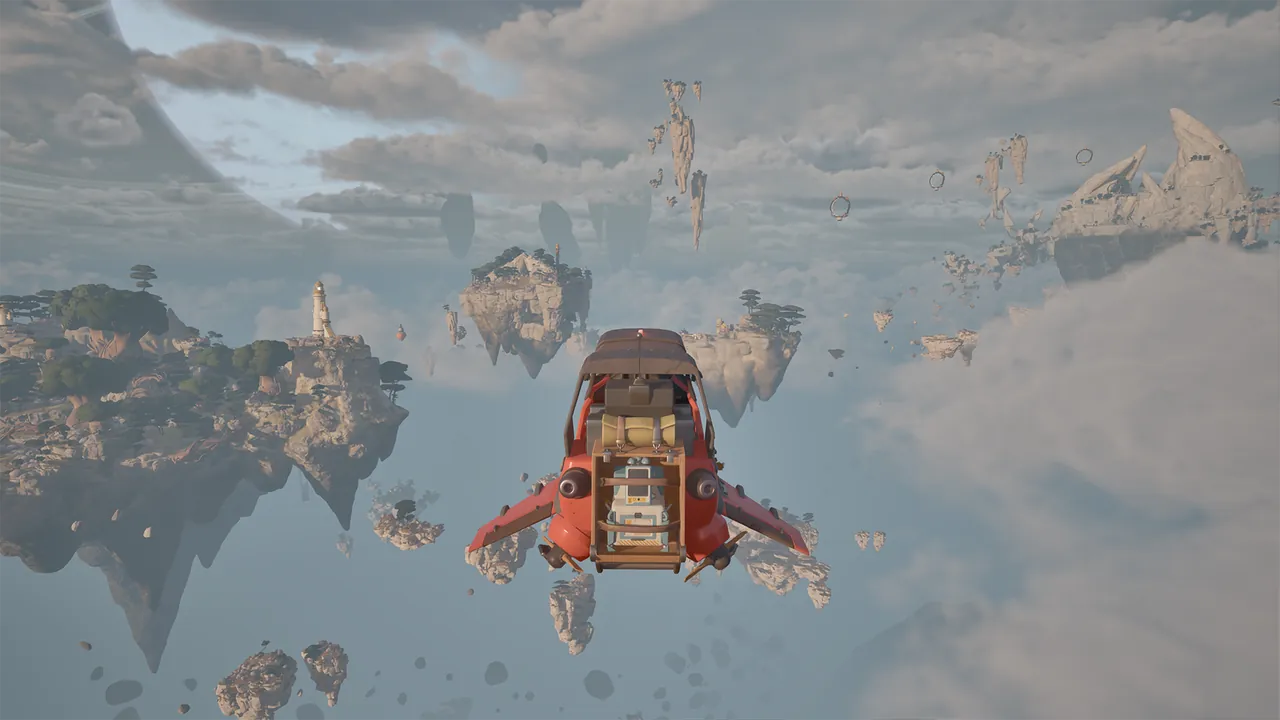
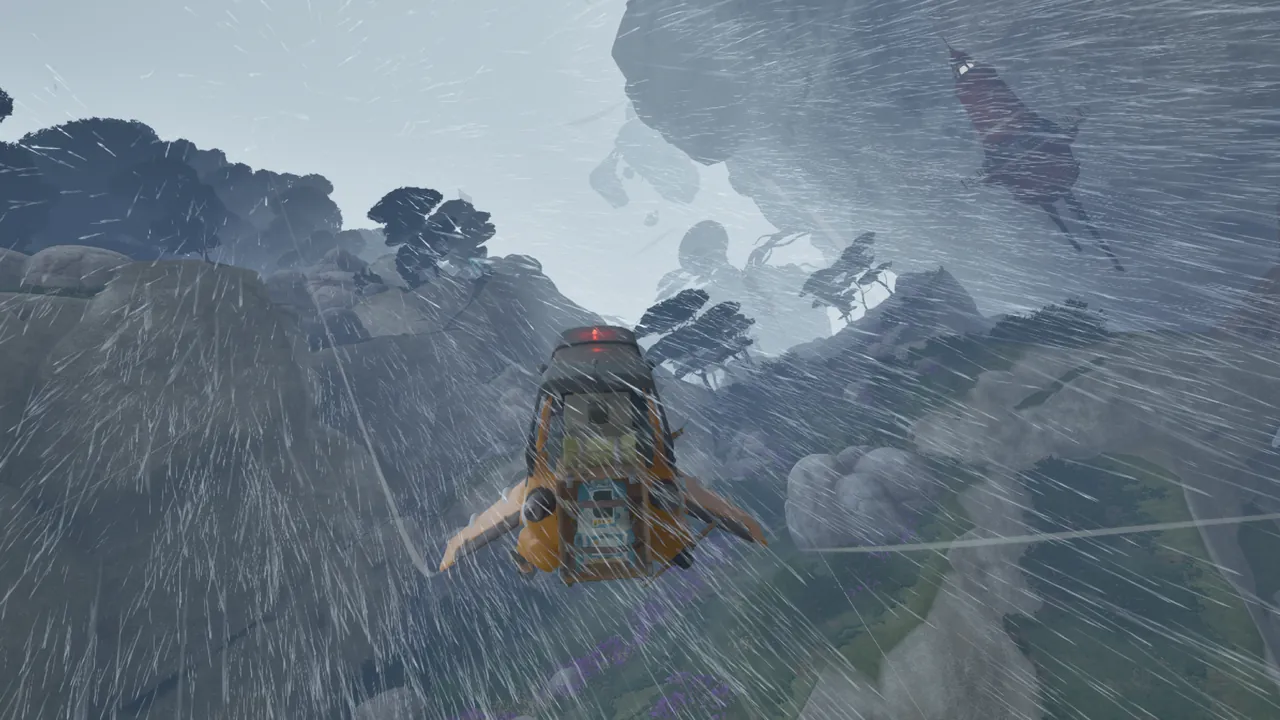
A Wasp is an agile aircraft for travelling between floating islands, hovering and supporting local expeditions. Different classes have different abilities, appearances and aerodynamics. Choose for the job: camp support, salvage transport and enemy encounters have different needs.
The Cloud Cruiser is the larger mobile support base. Wasps take that support out to individual islands.
Which Wasp suits the expedition?
| Aircraft | Role | Naming context |
|---|---|---|
| Utility | Deploying a foldable camp and supporting island stops | Current store description |
| Cargo | Airlifting heavy scrap | Current store description |
| Striker | Stunning enemies | Current store description |
| Scout | Exploration-oriented aircraft | Earlier development name |
| Fighter | Combat-oriented aircraft | Earlier development name |
The current store lists four classes, but names have changed during development. Scout and Fighter are earlier designations, not two extra confirmed launch aircraft. Do not assume Fighter and Striker are interchangeable or that every variant is available at the start.
For a repair-and-refuel trip, the Utility Wasp’s camp matters more than a speed comparison. For a heavy salvage job, consider the Cargo role. Check the current aircraft description before spending materials on a variant or upgrade.
Repair the aircraft one system at a time
The March–April 2026 Demo has separate repair interactions for the hull, propulsion engine and hover components. Inspect them individually rather than treating the Wasp as one health bar.
Use the welder, read the missing supplies, then check inventory and the crafting table. A completed hull repair can leave other systems damaged. Being able to lift off is not the same as finishing maintenance.
Keep required components available until repairs are complete. The crafting guide explains the tool and material checks; the flight guide covers preparation before departure.
Carry the camp, not just the supplies
A Utility Wasp can bring a foldable camp to a resource stop. In the Demo, you can pack the hub, carry it on the aircraft and deploy the workshop again on another island.
This reduces unnecessary return trips. Gather near the resource job, make the needed components or refine hydrogen, then move the equipment with the expedition.
Before departure, check that the hub is packed and carried. Deploying it does not automatically make every machine, and the Utility camp role should not be assumed for every other class. Use the camp guide to check equipment, connections and packing.
Keep fuel and repair supplies separate
Aircraft fuel keeps the trip going. Repair parts address damaged systems. You need to check both, even if the tank or hull indicator looks healthy.
The Demo’s hydrogen chain requires collection, processing and transfer. Crystals in inventory or fuel waiting at the refinery do not mean the Wasp is refuelled.
Read any fuel objective before transfer as well: a personal-tank requirement can be left incomplete if you move fuel to the aircraft too early. See the fuel guide for that distinction.
Upgrades and appearance do different things
The developer description includes swapping engine parts, hover sections or entire hulls, as well as paint jobs. Part changes affect the vessel’s configuration; paint changes its appearance.
Check costs and handling in your build before committing material. When comparing configurations, consider the load and conditions as well as an empty flight. A setup that suits scouting may not be the one you want for a loaded supply run.
Keep essential repairs funded before optional customization. A new-looking aircraft still needs usable fuel and functioning components.
Land with the next task in mind
Choose a landing area that leaves room to inspect the Wasp, reach its cockpit and deploy the camp if needed. Mark its position with a recognizable terrain feature before exploring on foot.
Rain can make the terrain harder to read. Storms and jet streams are additional hazards, so identify the destination before the final approach.
The Demo has designated “Recover Wasp” interactions. Check whether one is available rather than planning a difficult landing around an assumed recall-from-anywhere option.
In co-op, a friend can hitch a ride, but passenger arrangements should be checked for the aircraft you are using. For longer operations, the Cruiser’s planned docking stations provide storage, repairs and refuelling. Agree on whether that larger base will move while a Wasp crew is away.
Sources & further reading
Official updates and related videos.
Help us keep this field guide accurate. Send a correction.