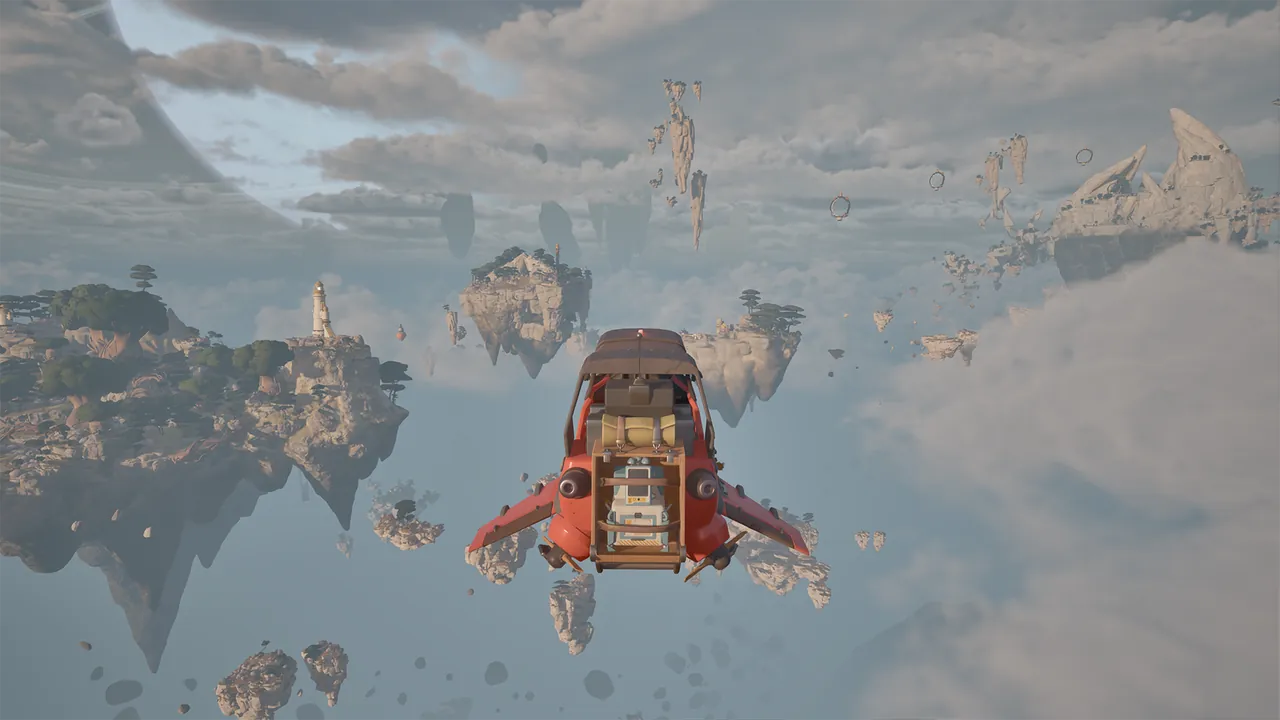
How do you learn to fly a Wasp?
Start with the flight manual in your current ATMOSFAR build, then practice near a clear landing area. Wasps travel between islands and can hover in place, but preparing the aircraft matters as much as steering it.
The repair and refuelling checks here apply to the early 2026 Demo. Controls and handling may change in Early Access; use the action prompts in your current build.
Find your current controls before departure
Locate engine start, movement, landing gear and any hover-related controls in the flight manual. Practice near a clear landing area so you can learn the aircraft without also navigating a difficult route.
Read the action label in your own interface. If you have rebound keys or are using a controller, use the binding displayed for that setup.
If a control appears unresponsive, check the binding, aircraft state and relevant component condition. An input problem and a damaged flight system need different solutions.
A four-part preflight check
| Check | What to look for |
|---|---|
| Aircraft condition | The separate components required by the objective |
| Usable fuel | Fuel in the Wasp, not just crystals or refinery input |
| Personal supplies | Enough backpack power and needed repair parts for the next stop |
| Camp transport | The packed hub carried on the Utility Wasp |
Inspect hull, propulsion and hover components separately. A completed hull repair does not tell you that all other systems are ready for flight.
Use the repair guide to resolve missing parts and the fuel guide to check processing and transfer before departure.
Pick the landing area before the final approach
Look for a spot with room to get out, inspect the aircraft and deploy a camp if needed. Avoid choosing a site purely because it is nearest to a resource marker. Cliffs, active plants and awkward terrain can make a short collection trip harder to finish.
Keep a recognizable terrain feature in view as you approach. A distinct rock, ruin or tree silhouette can help you find the aircraft again after leaving on foot. The exploration guide explains how to use those reference points across an island.
Use the current manual and flight indicators to control the approach and landing gear. Adjust to the terrain and conditions rather than assuming one speed or altitude suits every landing.
Weather changes the trip
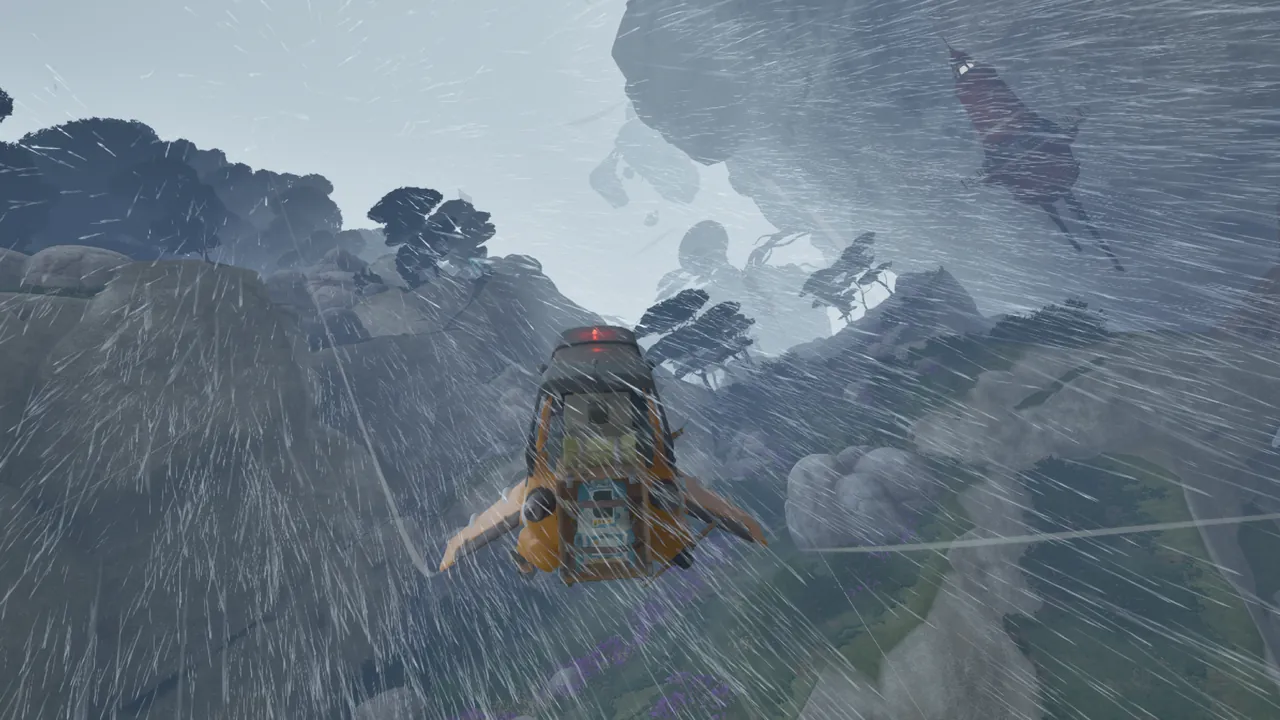
The developer description names storms and jet streams among the dangers of Tycos. Poor visibility also makes islands and landing areas harder to judge from a distance.
Plan the destination before entering a difficult section and keep track of a possible return stop. An unfamiliar route and an unfamiliar aircraft are two things to learn at once; reduce that uncertainty when you can.
Match the aircraft to the expedition rather than relying on a single setup for every trip. The Wasp dossier covers the different jobs described for Utility, Cargo and other aircraft.
Do not depend on recovery everywhere
The Demo includes designated “Recover Wasp” interactions. Their presence at particular locations does not mean the aircraft can be recalled from every point on Tycos.
Before parking somewhere difficult, think through how you will reach the cockpit again. Likewise, a jetpack helps ground movement but is not a promise that every gap or descent is safe.
If you are stuck, check the current objective, nearby recovery interactions and aircraft condition before repeating the same takeoff attempt. A task that requires more fuel is different from one that requires a repaired engine or a missing quest item.
Flying with a crew
Agree on the destination, the camp carrier and whether the larger base will move while someone is away. Call out a landmark rather than a vague direction when guiding another player toward a stop.
The multiplayer briefing covers solo and four-player co-op. The Cloud Cruiser provides the broader docking and support context, while the Utility Wasp and its camp handle the smaller expedition loop shown in the Demo.
FROM THE FLIGHT DECK
Watch the game in motion.
Choose a video for a closer look at the journey. Demo footage contains spoilers and may differ from Early Access.
 MARCH DEMO52:14
Survival Crafting In A Fractured World!
From the first Wasp repairs to hydrogen refining and the missing gate lever. Demo story spoilers.
Watch on YouTube ↗Sources & further reading
Official updates and related videos.
Help us keep this field guide accurate. Send a correction.