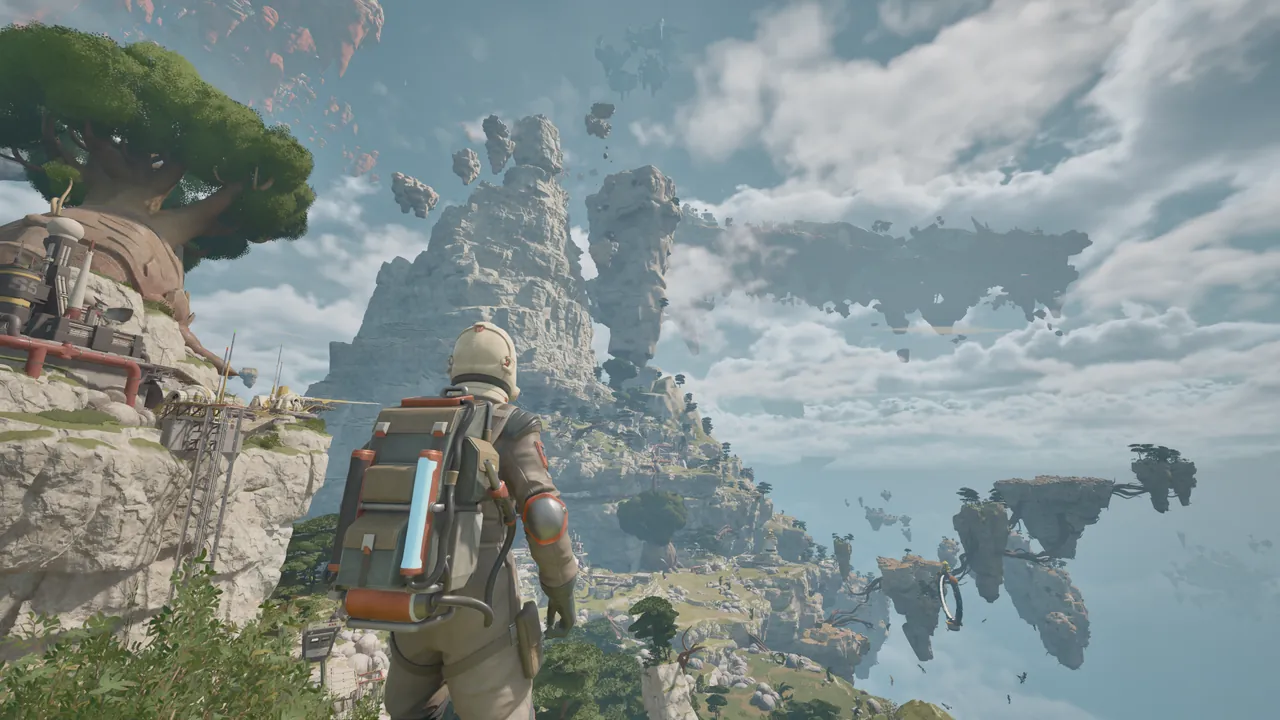
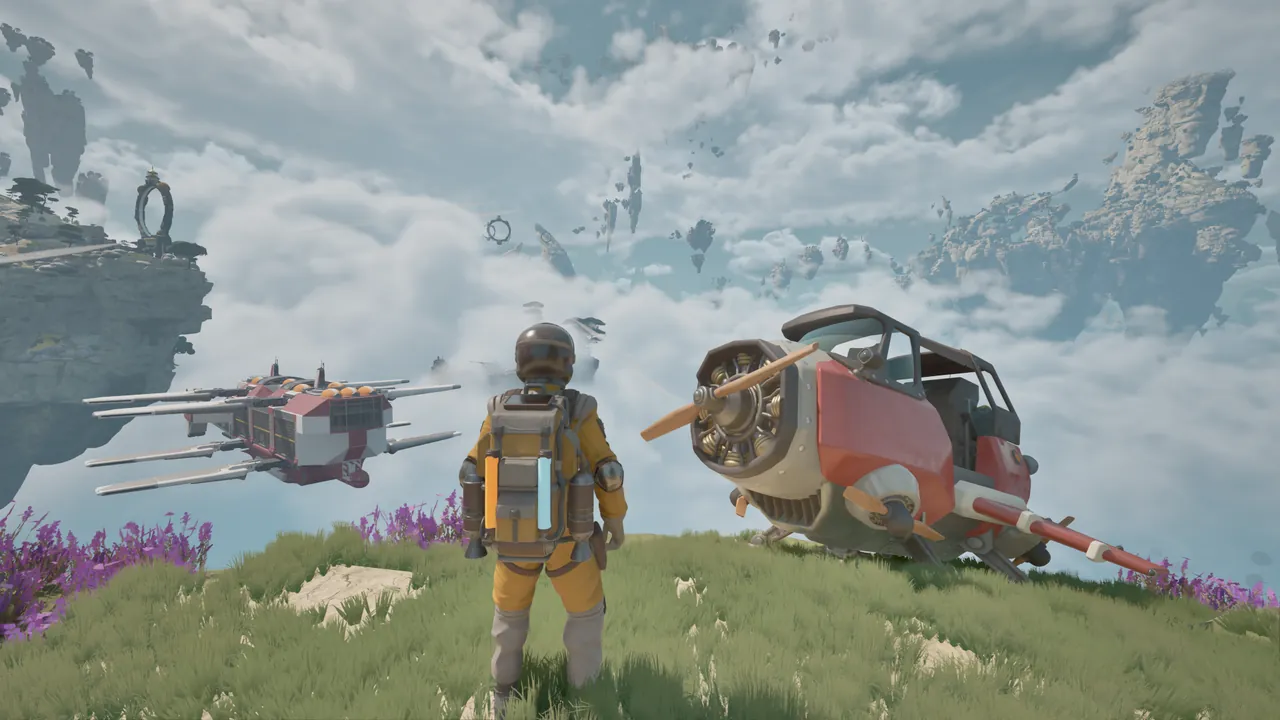
What do you do in ATMOSFAR?
Explore floating islands on foot, fly between them in Wasp aircraft, and keep a mobile workshop supplied for the next expedition. Travel, salvage and maintenance are connected: reaching a new island gives you access to materials, and those materials help keep you moving.
The repair, camp and fuel advice below applies to the March–April 2026 Demo. Early Access is announced for October 29; controls, recipes and objectives may change.
The core loop: explore, salvage, service, move
A productive expedition has a purpose. Identify what you need at the next stop, collect it, use the workshop to turn it into useful supplies, then prepare the aircraft before leaving.
| Task | What matters | Useful habit |
|---|---|---|
| Explore an island | Terrain, hazards and the route back | Remember a landmark near the Wasp |
| Gather supplies | Tool electricity and the material you need | Work backward from the repair or recipe |
| Service the aircraft | Separate hull, propulsion and hover components | Inspect more than the first damaged part |
| Set up camp | Available equipment, connections and input | Check that a machine has actually been crafted |
| Refuel | Raw crystals, processed fuel and aircraft fuel | Complete each stage before assuming the tank is ready |
Start with the beginner guide if you want a practical departure checklist. The survival basics cover the supplies behind that loop.
Personal power and aircraft fuel are different
The extractor uses electricity from your backpack. Hydrogen powers the aircraft. A full Wasp tank does not recharge your tools, and a well-charged backpack does not guarantee another flight.
Batteries, slow solar recharge and certain plants can replenish personal power in the Demo. Other plants drain it. Check the indicator when interacting with unfamiliar vegetation, and leave enough reserve for the return trip.
This makes collection a planning decision. Clearing every nearby scrap pile is not useful if it leaves you unable to finish the immediate task or return safely.
Repairs are about the part that is broken
The welder handles repairs; the extractor gathers materials. Inspect the damaged component to find out what is missing, then check inventory, storage and the crafting table.
Hull, propulsion and hover systems need separate attention. Being able to take off is not a reason to stop inspecting the aircraft. Keep needed components available until repairs are complete instead of spending the last of them on optional equipment.
The crafting and repair guide explains how to work backward from a missing material or component.
Bring the workshop to the resource stop
The Utility Wasp carries a foldable camp. Its hub lets you move the workshop between stops instead of returning to the first island after each shortage.
Deploying the hub and making a machine are separate actions. If a refinery is missing, check the crafting table. Once built, it needs a suitable placement, its connection and raw input before it can do useful work.
Use the processing interval for nearby repairs and inventory checks. Before departure, finish the work, collect what you need and confirm the camp is packed onto the aircraft. See camp setup for the full checklist.
Fuel must be processed and transferred
The Demo’s hydrogen chain is collect crystals → refine → retrieve finished fuel → transfer to the Wasp. Raw material in storage is not fuel in the aircraft.
A fuel objective may also check what is currently in your personal tank. Transferring fuel too early can leave that tank short even if you have already produced the requested total. Read whether the task asks you to produce, hold or transfer fuel before taking the next action.
The fuel guide covers this distinction and the checks to make when a refinery or objective appears stuck.
Exploration can solve a blocked objective
Some obstacles require a quest item rather than more scrap. For the Demo highway gate, the missing PACE lever is in an elevated nest on the gate island.
Before widening a search, reread the journal and confirm which island it means. Look above the ground-level route, and keep a safe approach back to the aircraft. The lever solution gives the direct steps; the exploration guide helps with navigation without relying on a remembered route.
A bigger base supports longer expeditions
The Cloud Cruiser moves larger facilities through the world. Its planned systems include Wasp docking, cargo handling, processing, research and cultivation, alongside power, fuel, propulsion and lift.
Its value is keeping support close to returning aircraft. A useful layout leaves clear routes between deliveries, storage, the workshop and the helm. The Cloud Cruiser dossier explains how those systems fit together.
For the game in motion, the video library has trailers, Demo playthroughs and official world tours.
FROM THE FLIGHT DECK
Watch the game in motion.
Choose a video for a closer look at the journey. Demo footage contains spoilers and may differ from Early Access.
 RELEASE TRAILER1:17
Early Access release date trailer
A quick tour of camps, aircraft and life above the clouds. October 2026.
Watch on YouTube ↗ MARCH DEMO52:14
Survival Crafting In A Fractured World!
From the first Wasp repairs to hydrogen refining and the missing gate lever. Demo story spoilers.
Watch on YouTube ↗ APRIL DEMO46:16
ATMOSFAR — a first expedition
A full Demo journey with component repairs, a travelling camp, a fuel-objective snag and the gate search.
Watch on YouTube ↗ MARCH DEMO40:30
Day 1: flying crafts and mobile airbases
A slower first-day look at backpack power, the welder, aircraft repairs and setting up a refinery.
Watch on YouTube ↗Sources & further reading
Official updates and related videos.
Help us keep this field guide accurate. Send a correction.